CCreateBox

FOR EVERYDAY CREATORS

Work with your media.
Keep your creative rhythm.

CreateBox brings everyday video, image, and document tasks into one clear workflow: compression, AI video dubbing, two visible creative versions, batch image tools, and image-to-PDF.

No account requiredOriginal files unchangedRegular tools stay on-device
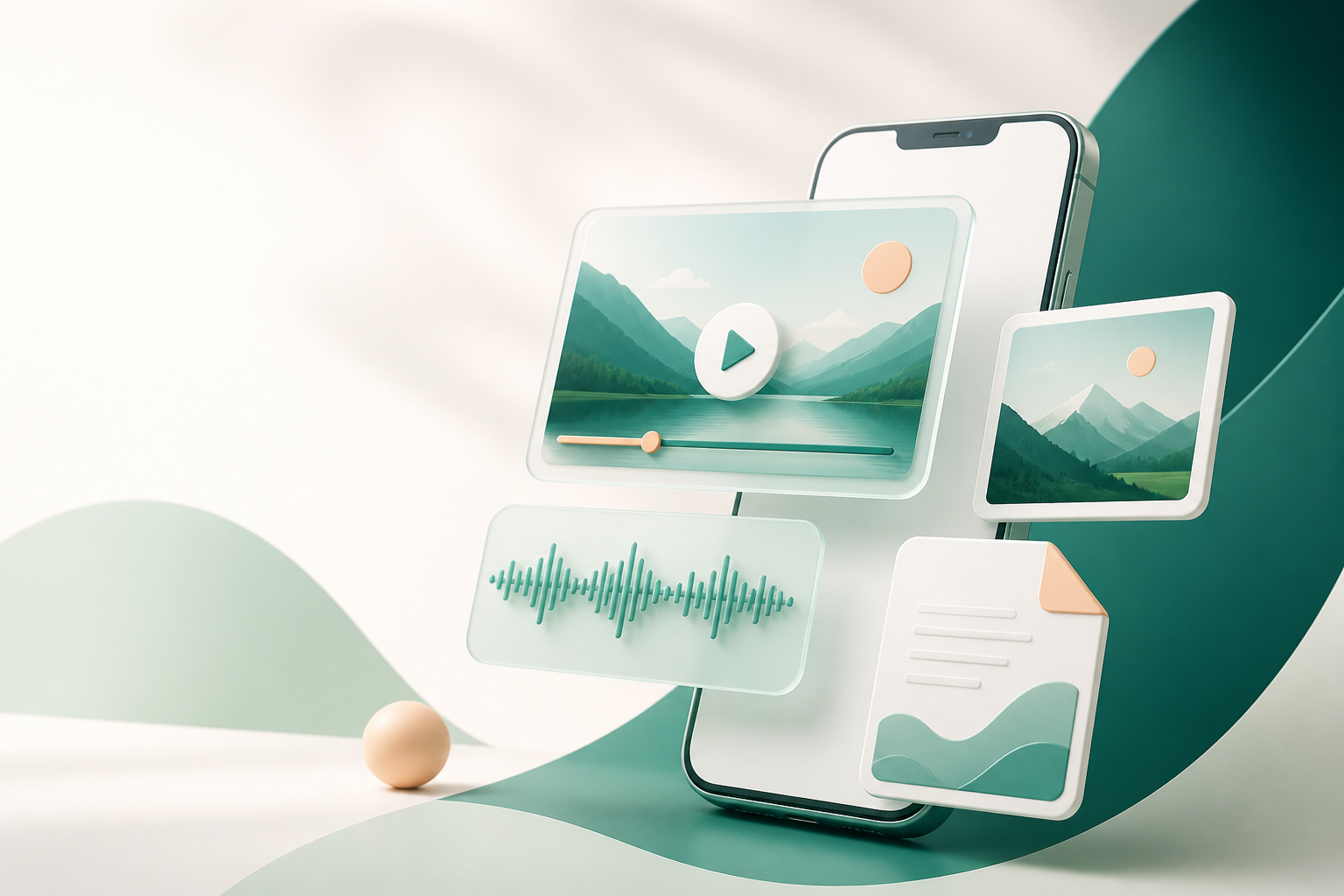
Original abstract visual representing video, audio, image, and document creation tools On-device creator tools Your media, your choices

From choosing media to saving a result, the path stays clear.

Select the file you want to work with, choose an output that fits the task, then preview, export, or save it in Works. Regular tools do not upload your full media. AI dubbing connects to its provider only when you actively choose and consent to use it.

Built for practical creation

Not a complex editing suite—just useful tools to help you complete everyday media tasks with less friction.

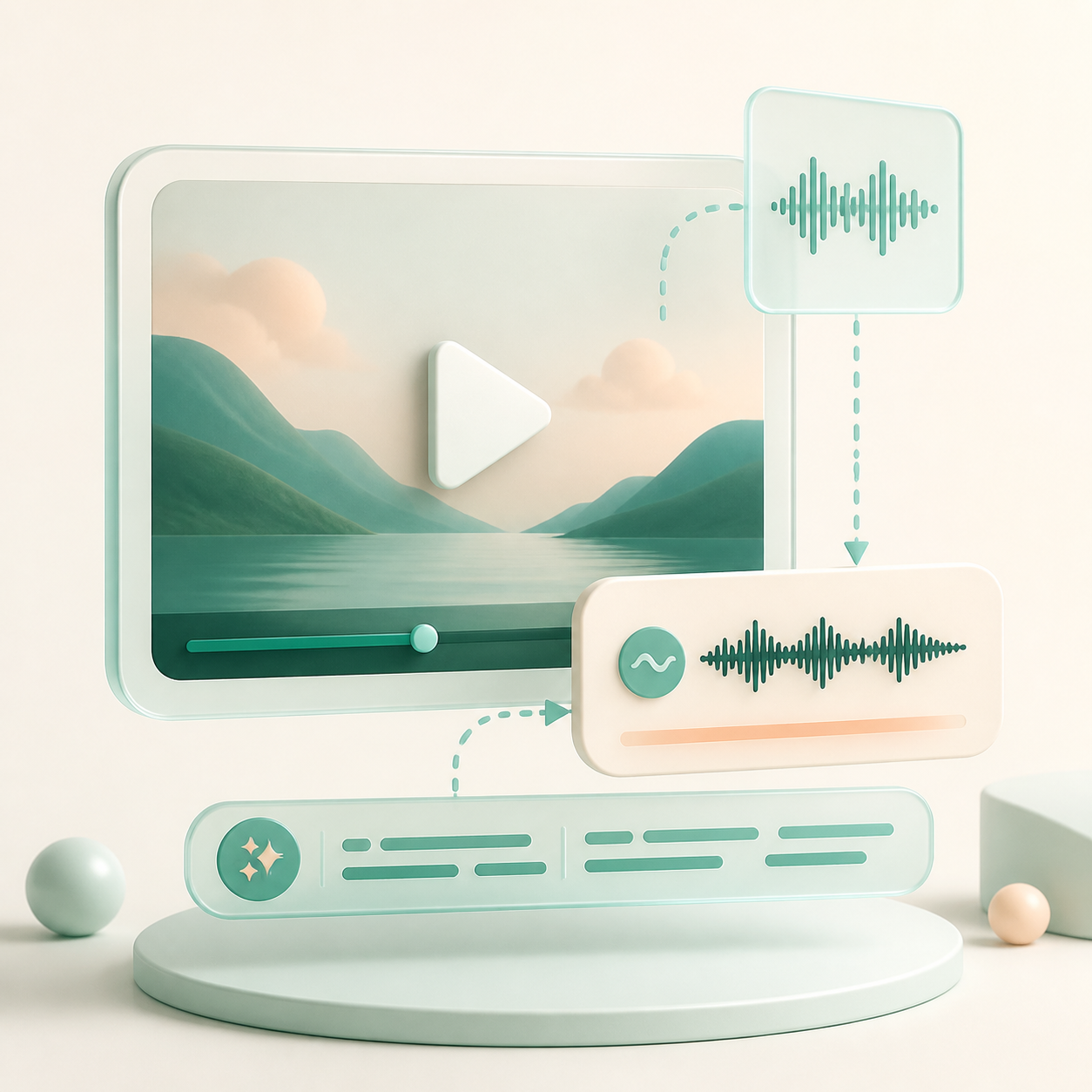
Original abstract visual of video audio becoming dubbed audio

AI VIDEO DUBBING

AI video dubbing

Extract audio from a video and transcribe clear Mandarin voiceovers. Review the text, choose a voice, and create a newly dubbed video.

  • For continuous single-speaker explainers and product voiceovers
  • Review and edit the transcript before creating dubbing
  • The full video is not uploaded; AI use needs separate consent

This release supports Mandarin Chinese dubbing. The available language scope is shown clearly in the app.
Original abstract visual of video compression

VIDEO COMPRESSION

Video compression

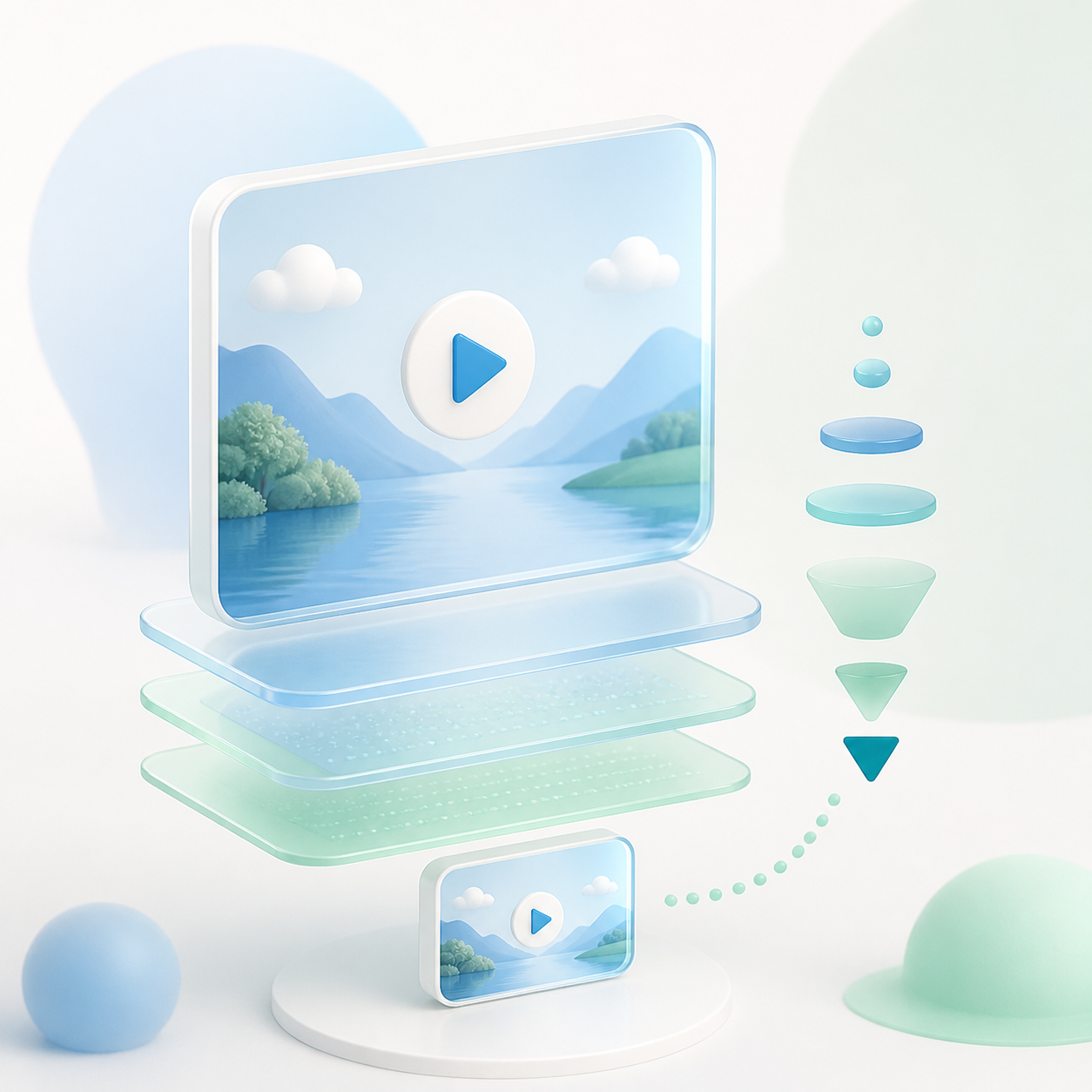
Choose a sensible balance of image quality and file size for sending, storage, or everyday uploads.

  • Choose higher quality, a recommended balance, or a smaller file
  • Your original video is unchanged; results are saved as new works
  • Actual savings depend on source bitrate, resolution, and visual content

Keep the original, then export a lighter version when the task calls for it.

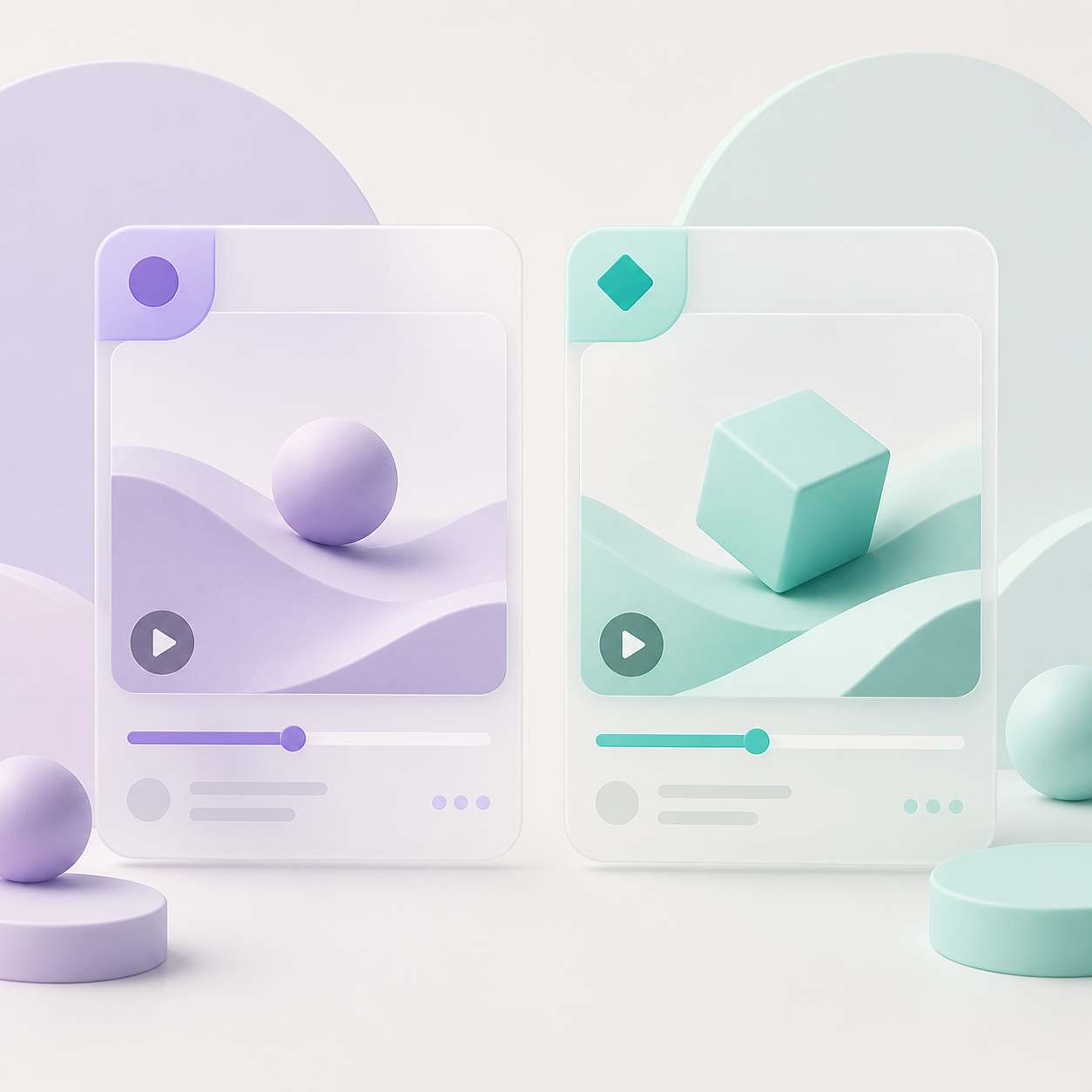
Original abstract visual of two visible creative video versions

A/B CREATIVE VERSIONS

A/B creative versions

Start with a video you own or are authorised to use, then create two visible creative versions that you can preview, save, and publish separately.

  • Name version A and version B separately
  • Choose opening titles, ending calls to action, and visible labels
  • Each version is saved separately for easier organisation

Use clear, visible creative details to distinguish versions around your own publishing plan.

Original abstract visual of images organised into a document

IMAGES & PDF

Batch images and image-to-PDF

Process several images at once: compress selected images or organise them into a shareable PDF in your chosen order.

  • Batch image compression supports up to 9 images at a time
  • Choose image quality, file size, and output format as needed
  • PDF supports A4 or image-fit pages, with media processed locally

Useful for product materials, image sharing, and organising local creative assets.

From media to result in three steps

01Choose media

Select the video or images you want through the system picker. CreateBox does not read your whole library.

02Create what you need

Choose compression and output options, or review dubbing text and your selected voice.

03Review and save

Results stay in Works for you to preview, export, or save to your device media library.

Data, AI services, and help

We make data handling information easy to find: what stays on-device, when an AI service connects, and how to withdraw consent or reach us.